For the whole family
One plan for everyone’s phones and computers
Everyone gets their own profile, and the child profile can be turned on and off. The family gets a shared password vault and an alert if someone’s email turns up in a data leak.
Digital security for families and small businesses
Norsentra helps protect your family’s phones and computers against scams and phishing. You set it up once, and afterwards it takes care of itself.
See plans and prices How it works
Example
Your protection is active
4 devices · last checked 2 minutes ago
Email found in a data leak
We send you an email about what to do.
Set up in 10 minutes
After that it runs without contact with us.
You enter your SafeAlarm details yourself with SAFEonNET
This covers email addresses, payment cards and passport numbers.
A reply the same or the next working day
Weekdays from 9:00 to 16:00 (Danish time).
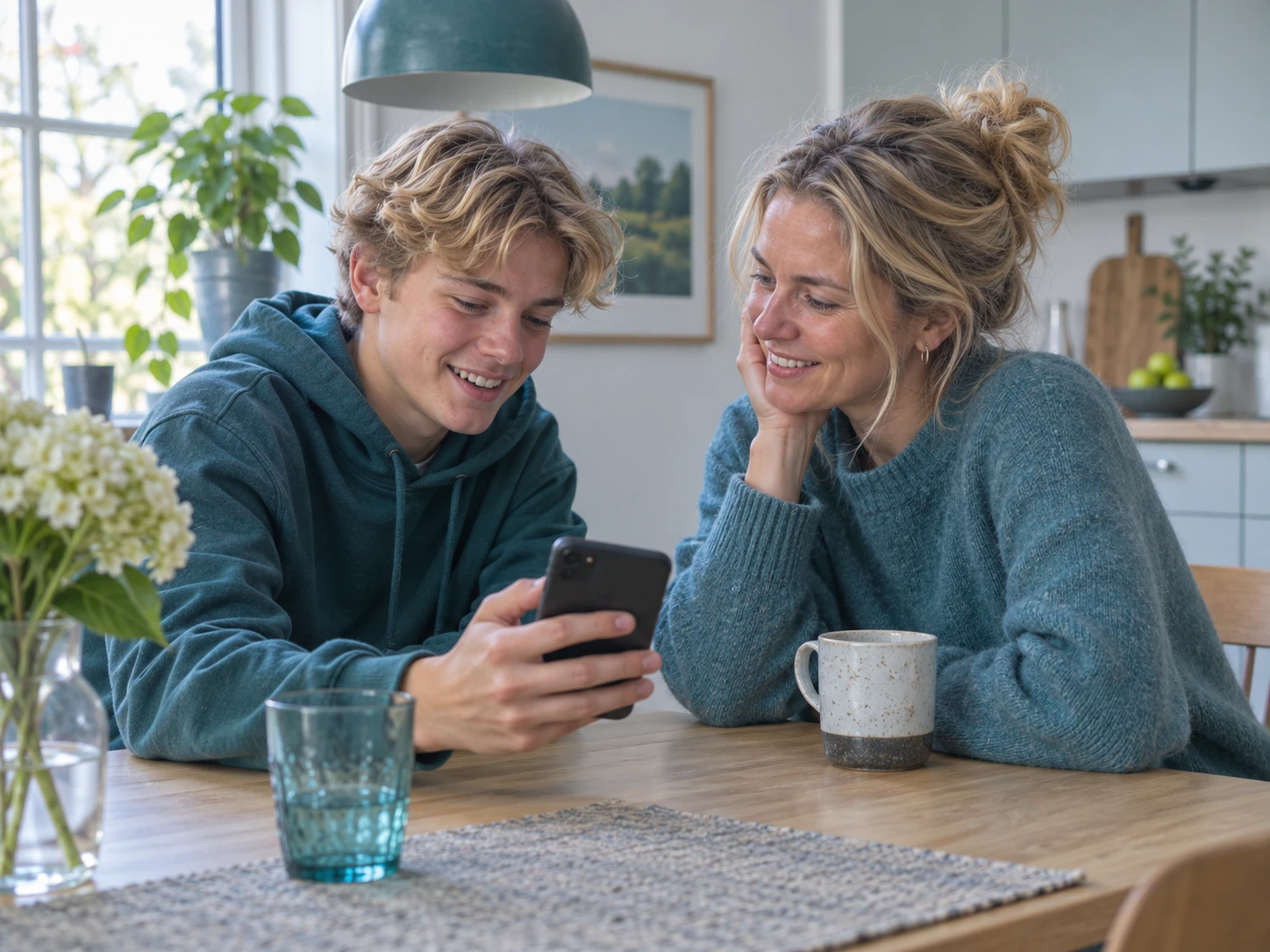
Example
The family
5 profiles protected
For the whole family
Everyone gets their own profile, and the child profile can be turned on and off. The family gets a shared password vault and an alert if someone’s email turns up in a data leak.
Products
Stops known scam and phishing sites before they open. Ad filter and child filter if you want them.
Makes your connection secure on public wifi through our own servers.
The app sets up your computer’s own security features and keeps an eye on them.
Start an extra scan of your computer when you need it.
A vault for your passwords. In Familie and Total, the family can share a vault.
We keep an eye on your email addresses and tell you what to do if they turn up in a data leak.
Monitors email addresses, payment cards and passport numbers. You enter your details yourself with SAFEonNET.
Send a suspicious email, text message or link, and get an automatic answer on whether it looks like a scam.
Included in Familie and Total.
Business
The shop, the workshop and the office face the same threats as a family, just with several computers and a shared mailbox. This is what you get with Norsentra:
A filter on your computers
Known scam sites are stopped before they open.
Shared passwords
Share logins with the people you work with in a shared vault.
Microsoft 365 kept an eye on
An alert if someone has taken over an account or has set up forwarding of your email.
Check it for me
Send a suspicious email, text message or link, and get an automatic answer on whether it looks like a scam.

Prices
See the plans and prices including VAT on the prices page.
See what each plan includes, and choose the one that suits you.
A guide for each phone and computer. About 10 minutes.
Norsentra runs by itself. You hear from us when you need to do something.